
Marking steps complete in program
Marking Steps Complete
As you scroll to the bottom of each section in the program, you will see a green button that says "Mark Complete." Click there to complete the section and move to the next microburst.

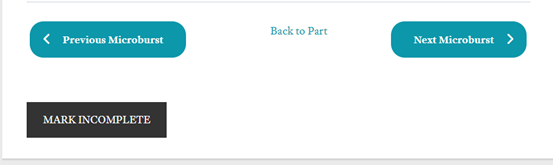
Once clicked, the green button will turn black and it will say "Mark Incomplete" indicating that the section is completed.
Enjoy your day, and please let us know of any other questions we can help with! We are more than happy to help!