
Change my password
Thanks for reaching out to us! You can change your password by clicking on the "My Account" button at the top of the page inside your account. Here is the direct link to the "change password" page. (You'll need to log in first.)
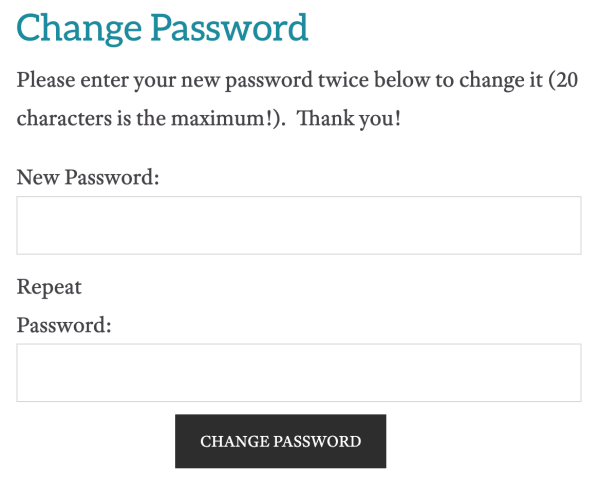
You don't need to know your old password. You'll simply enter your new password twice. You'll want your new password to be something that you can remember, but please avoid using the name of the website, the word password, or your username.
I hope this is helpful! Please let us know if you have any questions at all. Have a great day!